One stop for four carriers
Drop off eligible prepaid USPS, UPS, FedEx, and DHL packages without driving to separate carrier locations.
Package drop-offs & returns
Bring eligible prepaid USPS, UPS, FedEx, and DHL packages with printed carrier labels to one neighborhood counter in Tracy.
USPS · UPS · FedEx · DHL
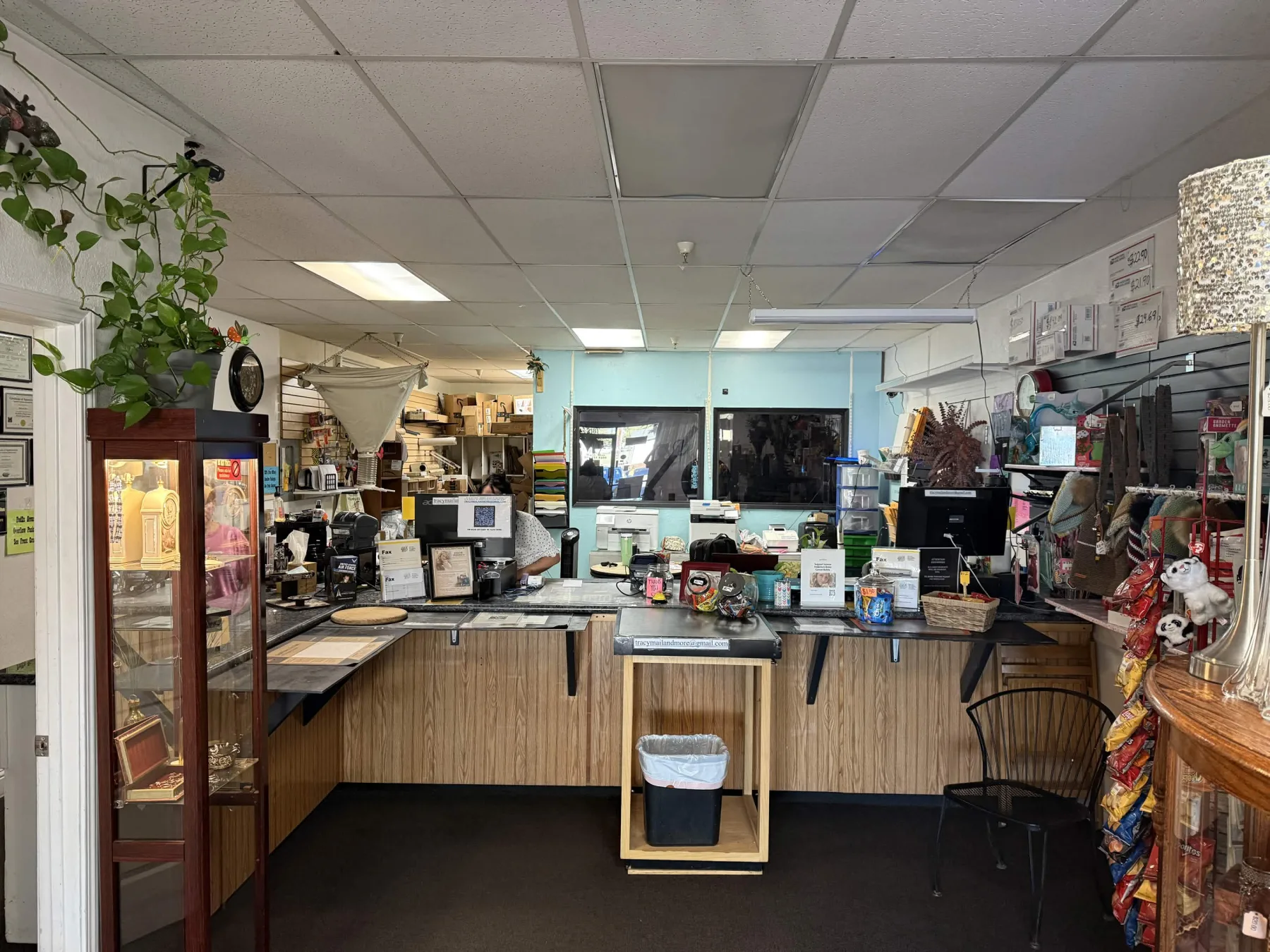
Drop off eligible prepaid USPS, UPS, FedEx, and DHL packages without driving to separate carrier locations.
Follow the seller’s packing instructions, attach the printed prepaid carrier label, and bring the ready-to-ship return to the counter.
If the item is not ready to travel, ask about available boxes, cushioning, label printing, and packing options before drop-off.
Before you come
Requirements can vary by document, shipment, or mailbox use. Call ahead whenever you are unsure.
Common questions
Tracy Mail & More accepts eligible prepaid drop-offs for USPS, UPS, FedEx, and DHL. Carrier rules and package restrictions still apply, so call ahead for oversized, hazardous, international, or unusual shipments.
Yes. Follow the return instructions provided by the seller or carrier, pack the item as required, and attach the printed prepaid label before bringing it to the counter.
Not currently. QR-code returns are tied to specific retailer and carrier programs, and the code may work only at the participating location named in your return instructions. If the retailer lets you print a prepaid USPS, UPS, FedEx, or DHL label instead, attach it to the eligible package and bring it to Tracy Mail & More.
Reach the store directly
Add your contact information, an optional preferred visit time, and what you need. Your email app will prepare the request to Tracy Mail & More; the website does not collect or store it.